
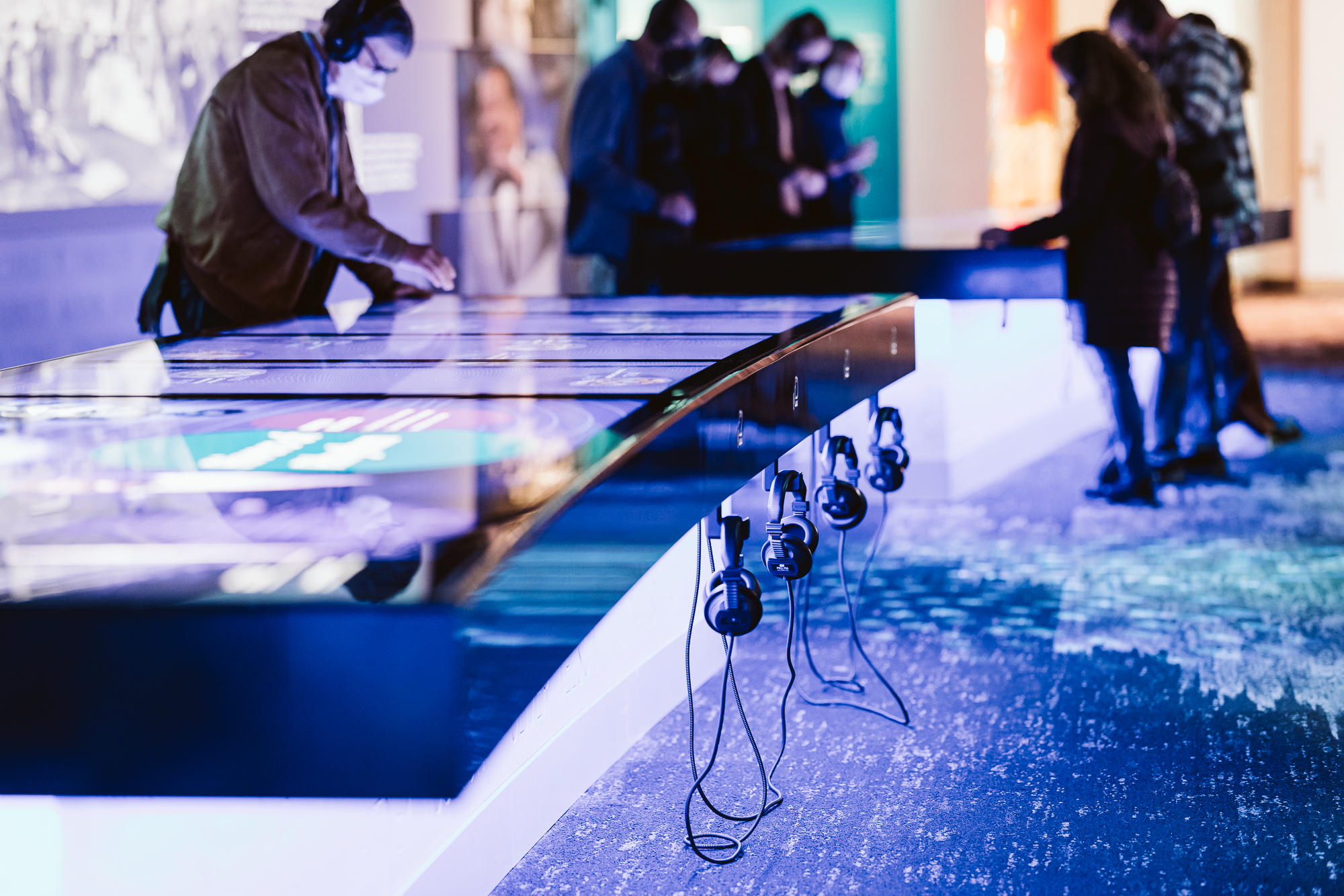
Start with the exhibit, not a menu
A conventional digital exhibit often asks visitors to read a label, search a menu and then match the result with the physical item in front of them. An object recognition exhibition display reverses that sequence. A model, sample or artifact becomes the entry point: when it is placed in the active area, the table presents the related images, animation, specifications or story. The interaction feels immediate because it follows the natural order of seeing an object first and requesting more information second.
This approach is useful in museums, science centers, corporate showrooms, planning halls and education spaces. An object recognition exhibition display is not merely a touchscreen with another button. It links physical objects, recognition logic and digital media into one experience that several visitors can explore together.
Give several visitors room to explore
Families, student groups and customer teams often gather around the same exhibit. Multi-touch software should let people open, rotate and compare information from different sides without one user closing another person’s view. Direction-aware cards and separated work areas help each visitor read comfortably while keeping the discussion shared.
When more than one recognized object is placed on the surface, the system can reveal relationships instead of showing unrelated pop-ups. Visitors may compare materials, combine planning options or trace connections between products. In this role, the object recognition exhibition display becomes a collaborative interpretation surface rather than a single-user information terminal.
Content quality determines the value
Reliable recognition is only the beginning. Every token or model needs a clear content map covering its name, key message, photographs, video, 3D media and return path. Essential information should appear first, with deeper layers available by choice. This prevents long text and complex navigation from overwhelming short exhibition visits.
Operators also need a practical way to update the object recognition exhibition display. Product launches, seasonal exhibitions and additional languages should be manageable without rebuilding the table. Version control, publishing dates and approved default content reduce the chance of outdated information appearing in public.
Plan the table as part of the room
Table height, reach distance, reflections, cable routing and visitor circulation all influence use. The equipment should be visible without narrowing an aisle, and there should be enough standing space around the active sides. Bright venues need reflection control, while family environments benefit from stable construction, rounded edges and surfaces that can be cleaned frequently.
Before opening, teams should test every recognized object, touch zone, video, language option and recovery path. Lost or misplaced tokens must be replaceable and easy to bind again. These checks keep an object recognition exhibition display dependable after months of daily use, not only during the acceptance demonstration.
Move from concept to deployment with ZXTLCD
ZXTLCD can configure the interactive table around exhibition content, screen size, number of recognized objects, software flow and enclosure requirements. A productive project starts with visitor tasks and then defines recognition method, computing platform, interfaces and structure. This avoids selecting hardware first and forcing the content into an unsuitable format.
System integrators and exhibition contractors can shorten integration time by sharing model dimensions, media types, expected simultaneous users, installation conditions and maintenance responsibilities early. A prototype of the object recognition exhibition display can then be validated before batch production and site deployment.
Turn recognition into a memorable visit
After exploration, a summary screen can show the objects selected and the key ideas discovered. School groups may use an observation task connected with a lesson, while a brand showroom may place products of interest into a presentation list for the reception team. Any follow-up should remain optional and should not demand unnecessary personal information from a casual visitor.
Operators can review which objects are used frequently, where sessions are abandoned and which media remains unopened. These patterns help the team adjust token placement, on-screen explanation and content depth. Analytics should support direct observation rather than replace it. Staff still need to watch how visitors approach the object recognition exhibition display, whether they understand the active zone, and where groups create congestion. Combining measured use with floor observation creates a practical cycle of improvement without rebuilding the physical exhibit.