
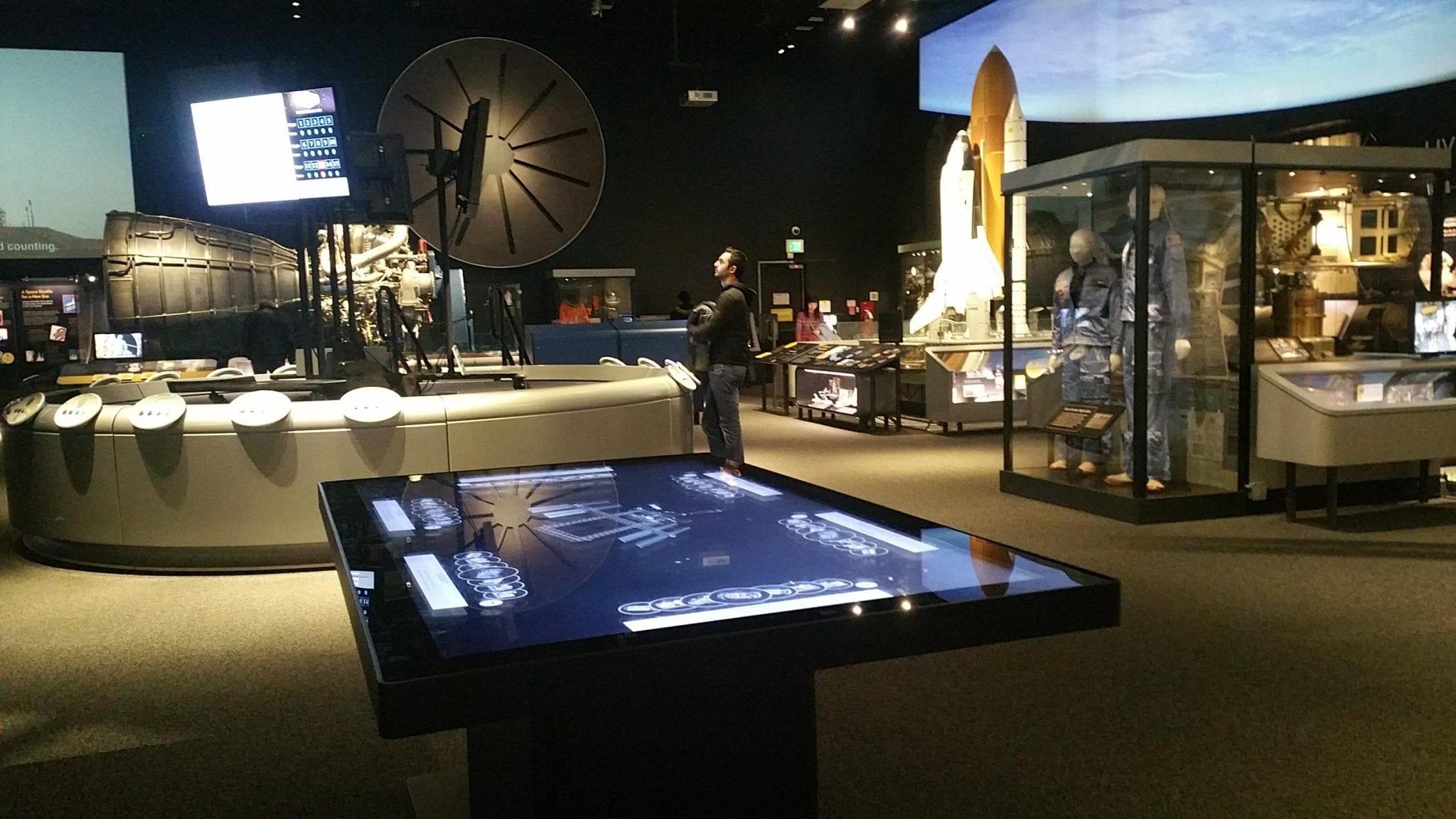
An custom interactive touch table combines display, touch and tabletop space so several users can view, choose and discuss the same content. It is not simply a vertical screen turned sideways: operating direction, reach, table height and the multi-user interface directly shape the experience.
A custom project begins with user count, standing or seated operation, software task and installation position before choosing a round, square, special or lifting form. The resulting shape supports use instead of adding weight and production difficulty as decoration.
Custom Interactive Touch Table: Start Custom Design with the User Task
Round, square, special, X-shaped or lifting structures can be discussed, but user count, standing or seating, software and installation space must be confirmed first.
On the custom interactive touch table, a custom project begins with user count, standing or seated operation, software task and installation position before choosing a round, square, special or lifting form. The resulting shape supports use instead of adding weight and production difficulty as decoration.
Develop the Screen and Enclosure Together
Screen size, opening, glass, touch method, cooling and service access cannot be decided separately because enclosure changes affect strength, weight and export packing.
On the custom interactive touch table, screen opening, tempered glass, touch system, enclosure strength, cooling and service access belong in one structural drawing. Changing the tabletop outline also changes internal space, centre of gravity, packing dimensions and transport method.
Run the Customer Software on the Hardware
CPU, graphics, mainboard, memory and storage should follow video, 3D, gaming or meeting software, retaining useful expansion without unnecessary components.
Video presentation, 3D models, meeting software and multiplayer games require different processing and graphics performance. Running the customer application on a sample confirms CPU, memory, storage and interfaces while preserving only useful expansion.
Give Each Optional Module a Clear Purpose
Wireless charging, NFC, cameras and interfaces create value only when connected to check-in, identification, sharing or service workflows, with ergonomic placement.
Wireless charging can sit near the user position, NFC can support check-in or identification, and cameras or USB ports can follow the software requirement. Each module corresponds to a clear action, keeping the surface from becoming crowded.
Convert Brand Design into Production Standards
Color codes, logo process, surface finish, cable exits and markings require drawings or samples instead of relying on chat images for final appearance.
Brand colour, logo position, surface texture and lighting become colour references, drawings and physical samples. Approval covers a production standard for coating, printing, assembly and quality inspection rather than a computer rendering alone.
Keep the Sample and Production Batch Consistent
After sample approval, key dimensions and materials should be frozen; volume inspection covers appearance, touch, system, interfaces, temperature, accessories and packing, with changes reconfirmed.
The sample and production units follow the same software, interfaces, finish and tests. Touch, continuous operation, temperature, sound, network, restart and packing are recorded to keep the batch consistent and simplify receiving inspection.
A Product Configuration Ready for Project Delivery
The custom interactive touch table can use Android or Windows according to software load and combine the required screen size, touch method, table form, interfaces and optional modules. ZXTLCD can install customer content on a sample and confirm operating direction, picture quality and structural details before volume production.
From the first day of use, a clear start page, stable touch, concealed cables and accessible service construction are part of the product value. The unit should attract users during its first presentation and retain the same experience through repeated operation, content changes and routine cleaning.