
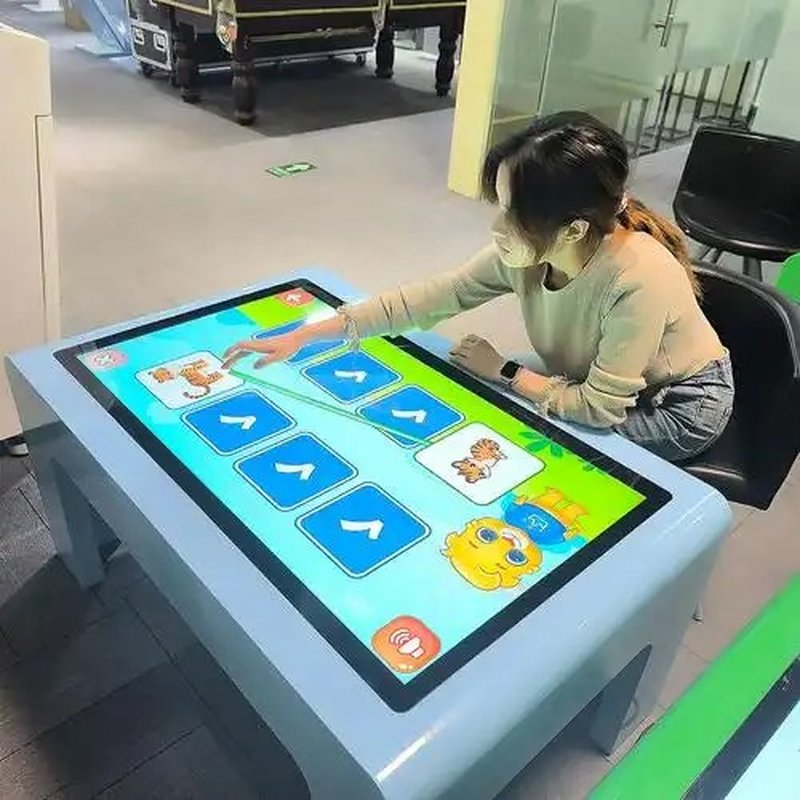
Deploying a commercial-grade Smart Touch Table Interaction Methods provides interactive venues with an advanced digital display platform. Smart touch tables combine interactive touch display technology with specialized software to support diverse human-computer interaction modalities. Depending on hardware architecture and deployment specifications, common interaction methods include single-finger touch, multi-touch gestures, stylus pen input, and—on advanced configurations—air gesture recognition, voice control, and eye tracking. Each interaction modality serves specific operational environments, providing versatile options for commercial presentations, educational classrooms, and digital entertainment.
1. Air Gesture Interaction with a Smart Touch Table Interaction Methods
Air gesture interaction triggers specific operations by detecting and tracking physical hand or arm motions in free space. Devices equipped with gesture-sensing hardware can interpret predefined movements to execute page turns, object selections, media playback, or navigation commands.
For instance, users can browse exhibition showcases or rotate digital assets through mid-air swipes and hand waves. This contactless modality minimizes reliance on physical UI buttons and introduces an engaging, futuristic element to the interactive experience.
It should be noted that air gesture recognition requires dedicated optical sensors, depth cameras, or specialized vision algorithms and is not a default baseline across all models. Supported gesture libraries and response fidelity depend on specific system integration.
2. Multi-Touch Interaction
Multi-touch is one of the most fundamental and widely used interaction modalities on smart touch tables. Users can operate the surface simultaneously with multiple fingers to execute natural gestures—such as pinch-to-zoom, two-finger rotation, swiping, and multi-object dragging.
On hardware engineered for simultaneous multi-user engagement, several participants can gather around the table to inspect data, manipulate shared visual assets, or collaborate in interactive games without cross-interference.
Multi-touch is essential in modern classrooms, corporate briefing centers, planning exhibitions, and multiplayer entertainment zones. Practical performance—including the number of recognized touch points (e.g., 10, 20, or 40 points), latency, and gesture responsiveness—is determined by the touch sensor matrix (such as Projected Capacitive or Infrared) and underlying software drivers.
3. Voice Interaction
Select smart touch tables integrate acoustic microphone arrays and speech recognition engines, enabling users to perform information queries, content searches, or media controls through natural speech commands.
In exhibition spaces, visitors can verbally ask for information or activate specific presentation modules. In educational environments, instructors and students can retrieve digital learning resources using spoken prompts.
Voice control serves as an intuitive hands-free complement to physical touch inputs, especially when users need rapid shortcuts. However, voice integration requires compatible hardware microphones, acoustic processing software, and clear voice command logic. Practical accuracy can be influenced by ambient acoustic noise, distance, and dialect settings.
4. Stylus Pen Interaction
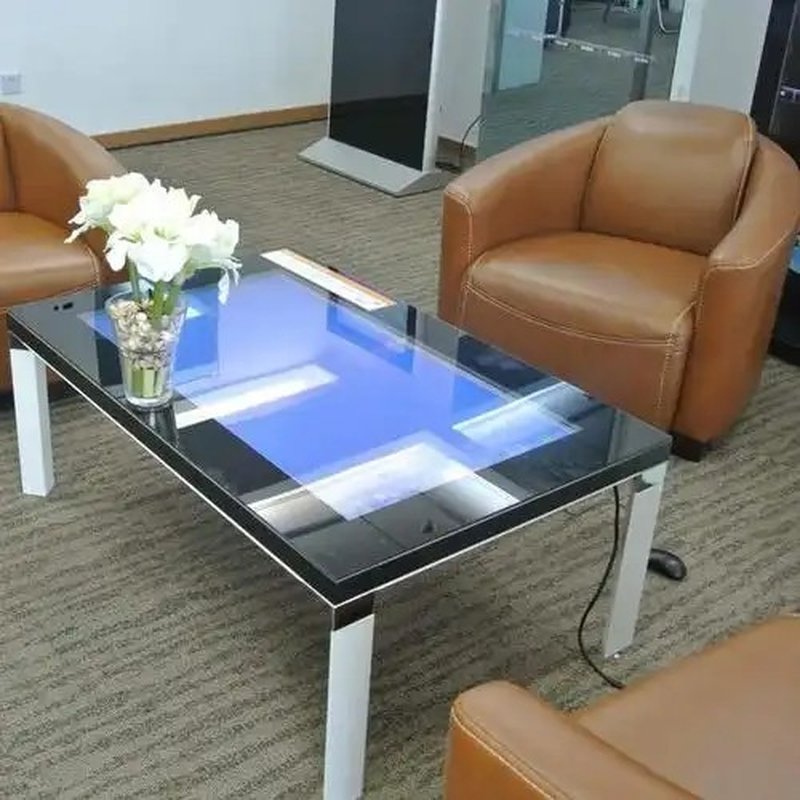
Stylus interaction is tailored for scenarios demanding precise handwriting, freehand sketching, technical drawing, or detailed digital annotation. Depending on the table’s touch sensor technology and software integration, users can annotate documents, draw diagrams, write notes, or capture digital signatures using compatible passive or active styluses.
In corporate boardrooms and technical reviews, a stylus allows presenters to highlight key metrics, sketch workflow revisions, or explain architectural schematics. In classrooms, it empowers instructors to deliver authentic blackboard-style teaching and interactive problem-solving demonstrations.
It is essential to distinguish between standard capacitive passive styluses and active digital pens supporting pressure sensitivity, palm rejection, and tilt detection. Hardware compatibility must be confirmed during solution planning.
5. Eye-Tracking Interaction
Eye tracking represents an advanced, specialized interaction modality that identifies where a user is looking using optical eye-tracking sensors and gaze-estimation algorithms. The system can provide gaze-assisted interaction, such as highlighting on-screen elements when fixated upon or confirming menu choices in conjunction with dwell time or secondary touch inputs.
While eye-tracking technology offers substantial utility in behavioral research, accessibility assistance, and high-end experiential exhibits, it is not a standard feature on commercial touch tables. Because a gaze fixation does not automatically imply operational intent, systems incorporating eye tracking must incorporate deliberate confirmation mechanisms to avoid unintended triggers.
6. ZXTLCD Smart Touch Table Interaction Solutions
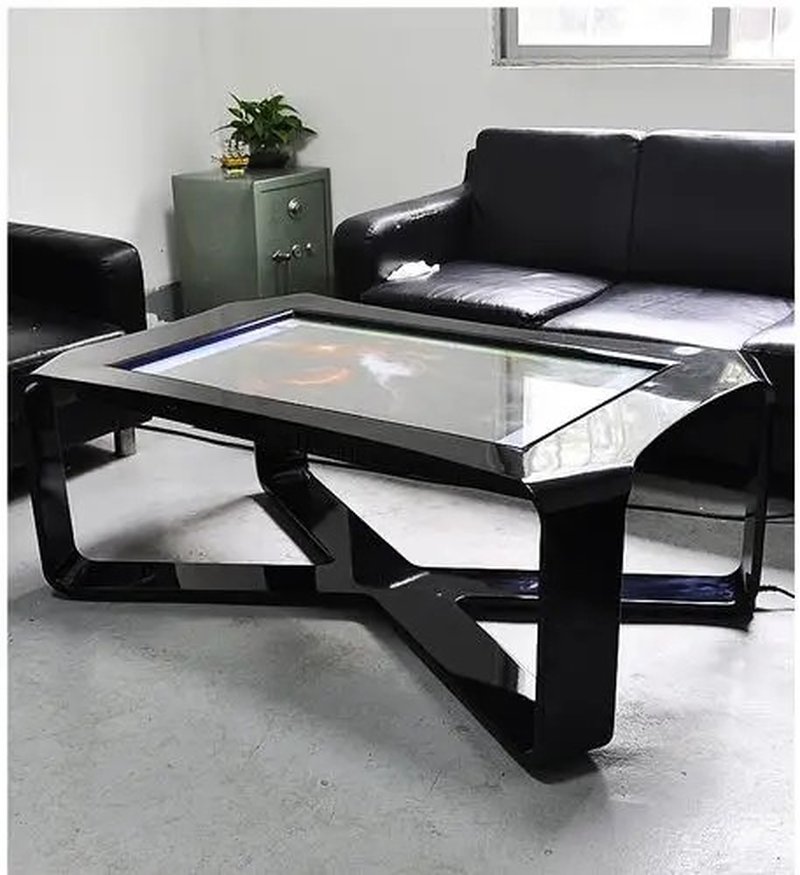
ZXTLCD designs tailored smart touch table solutions to meet diverse operational needs across commercial exhibitions, educational classrooms, corporate boardrooms, and interactive entertainment centers.
During configuration planning, foundational modalities such as tap, swipe, and multi-touch gestures are prioritized for robust reliability. Where projects require voice recognition, air gestures, precision stylus annotation, or eye tracking, specialized hardware components, driver stacks, and software architectures are seamlessly integrated.
Selecting the optimal interaction suite involves balancing user profile characteristics, operational complexity, physical environment, and application goals. Rather than pursuing an excess of competing features, the key to an exceptional user experience lies in intuitive operational logic, responsive performance, and a coherent feature set tailored to practical scenarios.
In summary, smart touch tables utilize versatile interaction technologies to fulfill demands across information exploration, collaborative workflows, multimedia demonstration, and auxiliary control. Aligning interaction modalities with real-world applications unlocks the maximum transformative value of smart touch tables across digital workplaces and experiential environments. In conclusion, adopting a professional Smart Touch Table Interaction Methods enhances presentation capabilities, engages multi-user audiences, and drives digital transformation.
Looking for customized Smart Touch Table Interaction Methods hardware, multi-touch interactive tables, or OEM/ODM commercial display solutions? Feel free to contact the ZXTLCD engineering team for free consultations, product demos, and tailored technical specifications.