
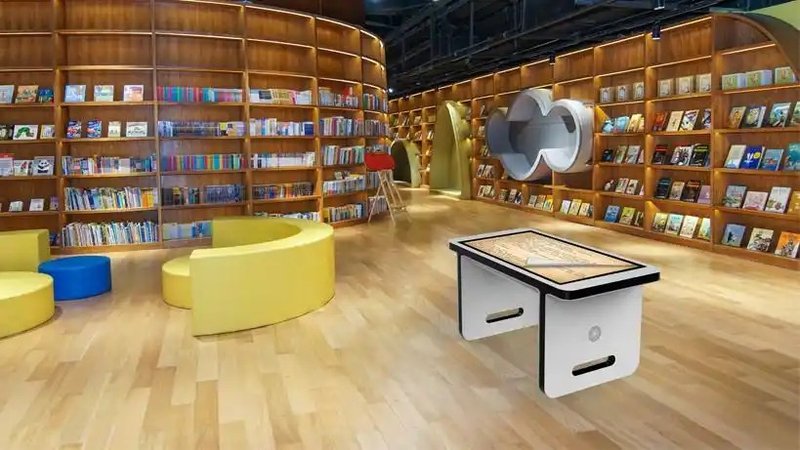
Deploying a commercial-grade Smart Touch Table Operation Guide provides interactive venues with an advanced digital display platform. A smart touch table is an advanced interactive device that integrates touch display technology with specialized interactive software. Users can browse content, query information, and perform interactive operations simply by touching the screen with their fingers. Featuring intuitive and convenient operation, smart touch tables are widely utilized across corporate exhibition halls, education and teaching, commercial displays, conference discussions, and entertainment interactions.
1. Basic Operations via Touchscreen with a Smart Touch Table Operation Guide
Smart touch tables typically utilize the tabletop display as the primary interactive interface. Once the device boots up, the screen displays application icons, navigation menus, or interactive content based on the installed software. Users can easily interact through clicking, swiping, and dragging.
For instance, tapping an icon opens an application or accesses relevant information; swiping across the screen allows users to flip through different pages; and dragging objects on the screen enables them to reposition images, select items, or adjust layout elements according to the software features.
The user interface and available functions may vary across different devices depending on touch hardware specifications, operating systems, and application configurations.
2. Interactive Operations with Multi-Touch Gestures
Many smart touch tables support a variety of multi-touch gestures, enabling users to interact with on-screen content with greater flexibility:
Tapping: Select icons, navigate menus, or access desired content.
Swiping: Scroll through pages, image galleries, or other digital multimedia content.
Dragging: Move on-screen images, 3D models, or other interactive elements.
Pinch-to-Zoom: Enlarge or reduce images, interactive maps, and select 3D models (when supported by software).
Multi-Touch: Allow simultaneous touches from multiple contact points, ideal for multi-user collaboration or multi-touch applications.
It should be noted that non-contact operations, such as air gesture recognition, typically require supplementary sensors or dedicated software algorithms and are not standard features on all smart touch tables.
3. How Smart Touch Tables Support Multi-User Interaction
Smart touch tables equipped with multi-point touch technology allow multiple users to gather around the table simultaneously to browse information, manipulate content, and engage in interactive activities.
In educational scenarios, teachers and students can collaboratively complete quizzes, image-matching games, or interactive learning assignments. In corporate showrooms, visitors can touch the screen to explore product specifications, inspect 3D models, or switch between display presentations. In meeting environments, team members can collaboratively review charts, design proposals, and presentation materials.
The actual effectiveness of multi-user interaction depends on the number of touch points, software architecture, and UI layout. Rationally dividing operational zones and streamlining interaction workflows significantly enhance multi-user collaboration efficiency.
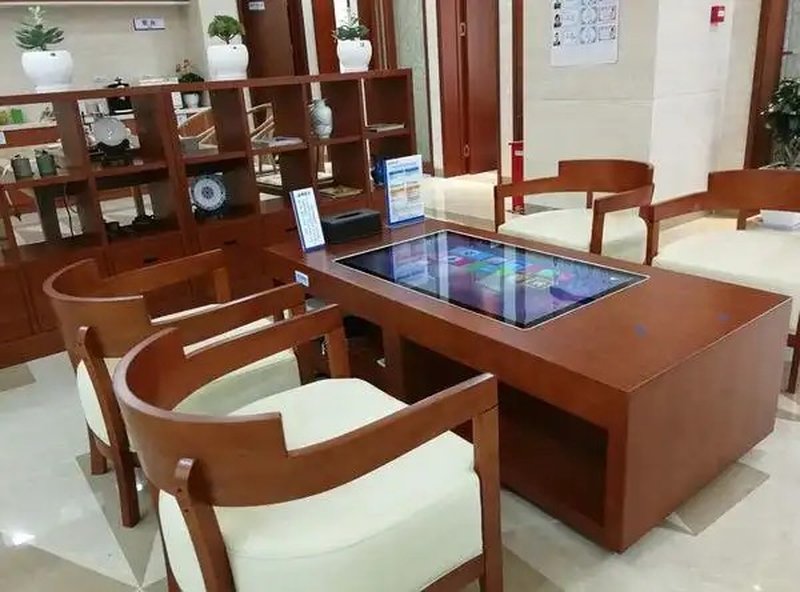
4. Tips for Optimizing the Smart Touch Table User Experience
To ensure stable operation and maintain an outstanding interactive experience, consider the following best practices during daily use:
Keep the screen clean: Use cleaning supplies suitable for touchscreen glass surfaces and avoid sharp objects that could scratch the surface.
Familiarize users with the interface: Understand menus, icons, and common gestures based on the specific software loaded.
Perform timely software maintenance: Periodically inspect application performance and update interactive multimedia content as needed.
Optimize the operating environment: Ensure the table is placed on a stable, level surface with a power supply and cable connections that comply with product specifications.
Align functions with application scenarios: Educational, commercial display, and conference environments each have distinct requirements regarding software content, multi-user touch points, and expansion capabilities.
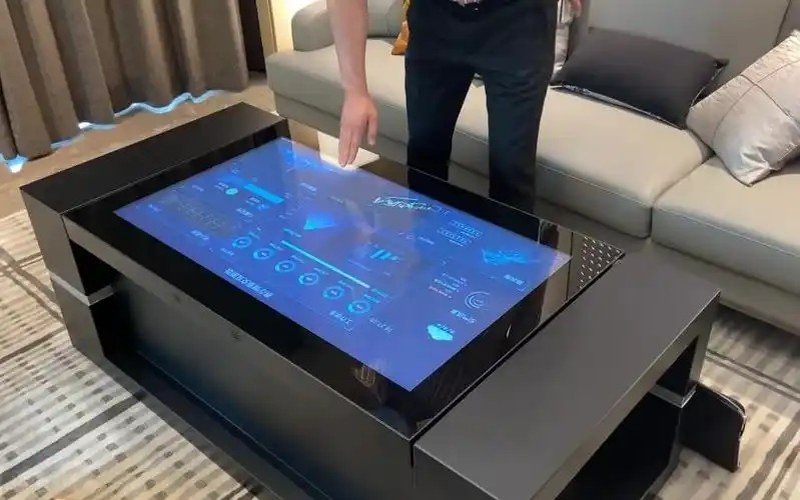
5. ZXTLCD Smart Touch Table Solutions
ZXTLCD provides tailored smart touch table solutions based on specific application demands across education, retail exhibits, corporate showrooms, and collaborative conference spaces. By combining high-performance touch displays, robust interactive software, and custom content, ZXTLCD empowers users with seamless information browsing, dynamic content presentation, and multi-user collaboration.
When selecting a touch table, key considerations include tabletop dimensions, touch technology, display clarity, software capabilities, intended user capacity, and post-installation maintenance. For projects requiring customized interactive software, defining the workflow upfront ensures the hardware and software perfectly match the application requirements.
In summary, smart touch tables enable human-computer interaction primarily through tapping, swiping, dragging, and multi-touch gestures. Choosing hardware tailored to your specific needs and pairing it with intuitive, clear interactive software fully unlocks the device’s potential in digital presentation, interactive learning, and multi-user collaboration. In conclusion, adopting a professional Smart Touch Table Operation Guide enhances presentation capabilities, engages multi-user audiences, and drives digital transformation.
Looking for customized Smart Touch Table Operation Guide hardware, multi-touch interactive tables, or OEM/ODM commercial display solutions? Feel free to contact the ZXTLCD engineering team for free consultations, product demos, and tailored technical specifications.