
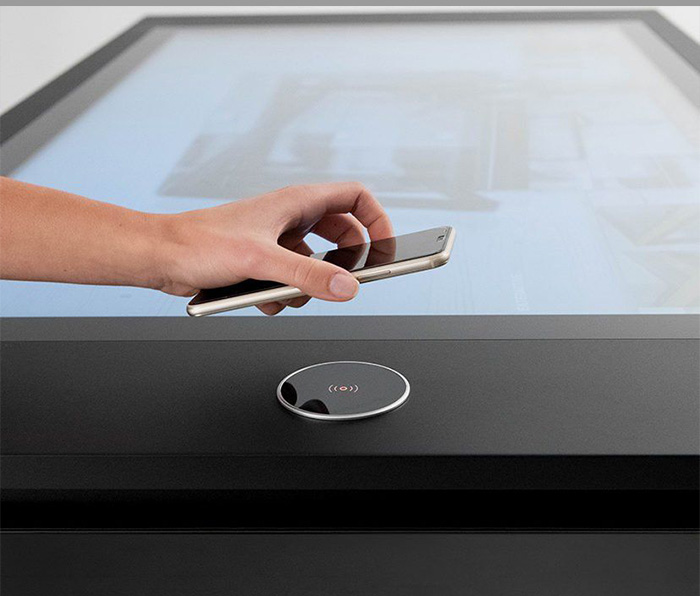
Touch coffee table applications extend far beyond placing a screen inside lounge furniture. The same horizontal format can support ordering, entertainment, product presentation, education, navigation and collaborative meetings, but each venue requires a different balance of software, physical design and operating control. A restaurant needs easy cleaning and a dependable service workflow, while a museum needs layered information and long-term content management. Defining the primary task before selecting features creates a more useful and maintainable installation.
Restaurants, Bars and Private Entertainment Rooms
Restaurants can present menus, ingredient information, recommended combinations and brand stories on the tabletop. Customers may browse while waiting and use simple entertainment content without leaving the dining area. Ordering functions need clear confirmation, modification and cancellation steps so an accidental touch does not immediately create a kitchen request.
The protective surface must tolerate frequent cleaning and occasional spills. Edges, ports and seams should avoid collecting liquid or food residue. In bars, KTV rooms and private entertainment spaces, music selection, lighting and games may be included, but these functions should not cover service controls or interfere with payment and staff workflows.
Chess Rooms, Clubs and Leisure Venues
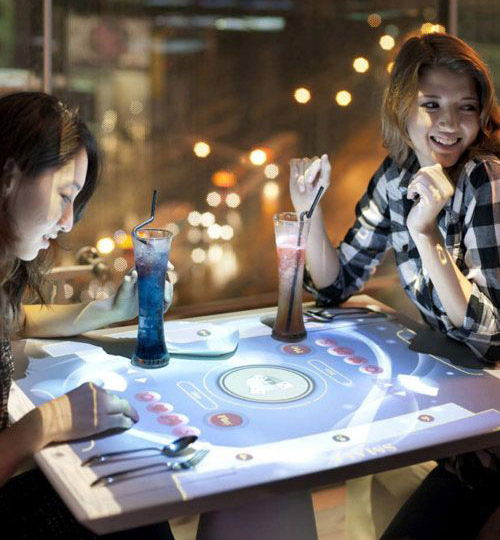
A touch coffee table can display chessboards, card information, scoring and casual games while retaining space for physical pieces. Multi-user software needs defined player areas and turn indicators. The table should respond reliably when several hands and game objects are present, and it should reset quickly when one group leaves.
Long operating hours make cooling, glass durability and automatic recovery important. Staff need simple controls for selecting games, clearing accounts and returning to the home screen. When the table is not being used for entertainment, it can present venue information, event schedules and service options.
Exhibition Halls, Shopping Centers and Property Sales
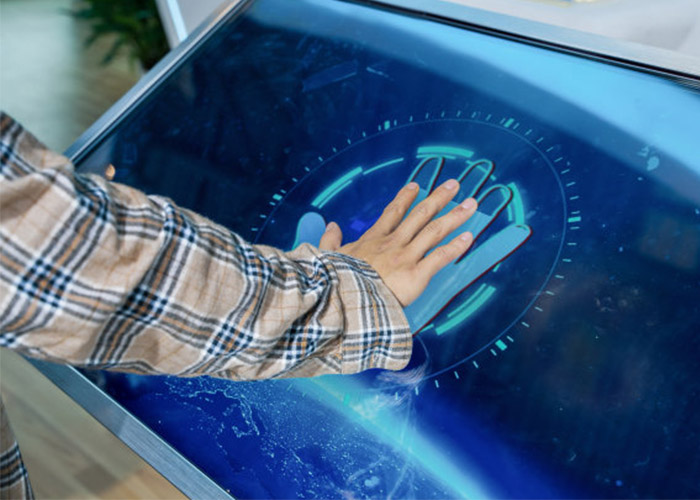
Showrooms can organize product ranges, finishes, installation examples and technical information without covering the space with printed catalogs. Sales staff can move selected products into a shared comparison area and guide customers through differences. Property sales centers can combine location maps, floor plans, amenities and project stages in one interface.
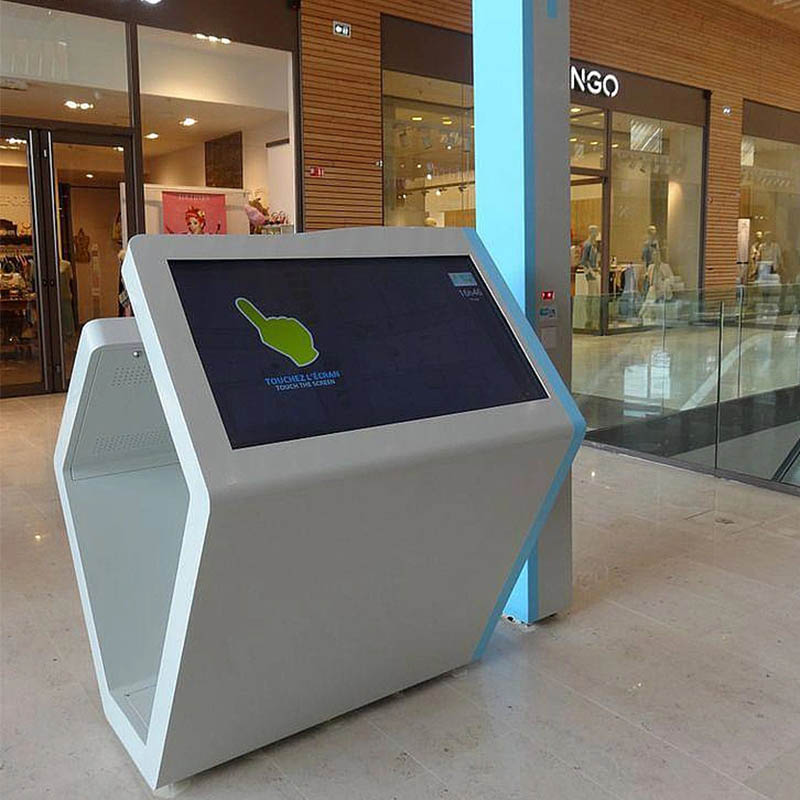
Shopping centers may use the table for brand search, events and wayfinding. The map orientation must match the installed position, and the home screen should return after inactivity. Optional NFC, cameras or recognition modules should be added only when they improve a defined visitor journey.
Museums, Cultural Centers and Education Spaces
Museums can organize collections, timelines, maps, video and multilingual interpretation around a shared surface. Families and student groups can explore from different sides, but content must remain readable from the expected directions. Personal browsing zones can support independent discovery, while a central area encourages discussion.
Accessibility should cover type size, color contrast, reach distance, captions and seated use. Network interruption must not remove the basic experience, so important content benefits from offline storage. A controlled publishing workflow keeps languages, media and navigation consistent after future updates.
Offices and Collaborative Meeting Rooms
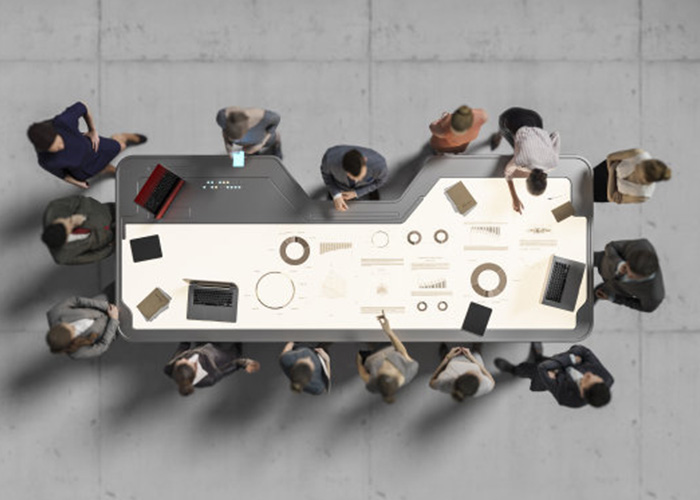
In an office, a touch coffee table can present documents, images, project plans and presentations at close viewing distance. Participants can review information around the same surface rather than turning a laptop toward the group. Windows may support enterprise software and complex files, while Android can suit fixed room information and visitor presentations.
Guest access should not expose internal files, network resources or operating-system settings. Temporary documents need a clear removal process after meetings. Charging, USB and HDMI modules can be useful, but their positions should not interfere with cleaning, seating or service access.
Hotels, Reception Areas and Public Lounges
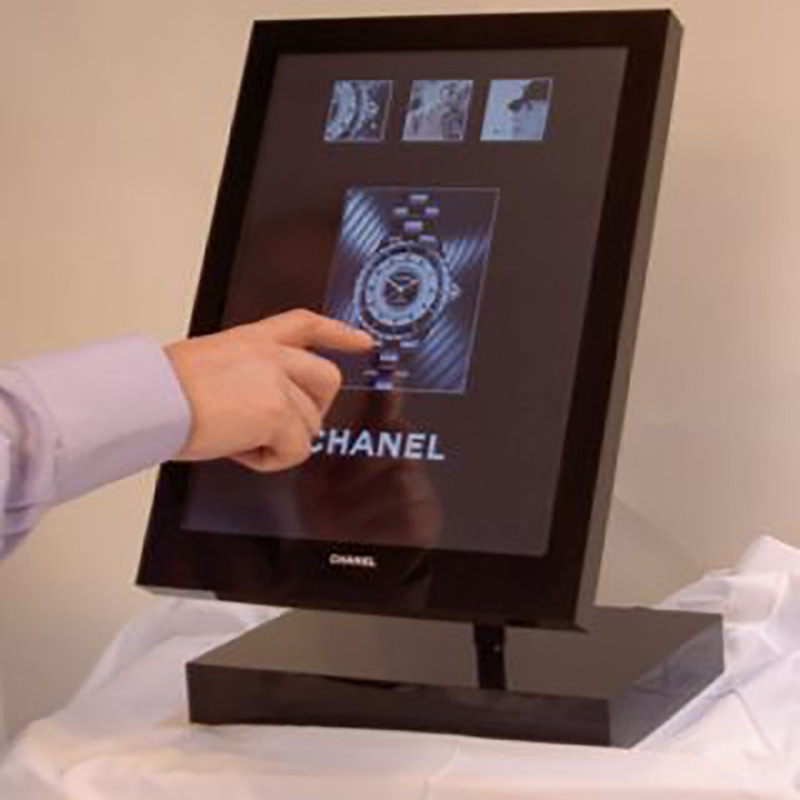
Hotels can present facilities, dining options, local transport, events and nearby attractions. A multilingual home screen should be visually simple so guests can begin without staff assistance. Public information should remain separate from room details, payment or other private services that require stronger data protection.
The enclosure finish, glass color, lighting and branding need to coordinate with the interior design. Touch coffee table applications in premium reception spaces are judged as furniture as well as digital equipment. A styled sample helps the project team confirm proportions, reflections and material appearance before production.
Shared Technical Requirements Across All Venues
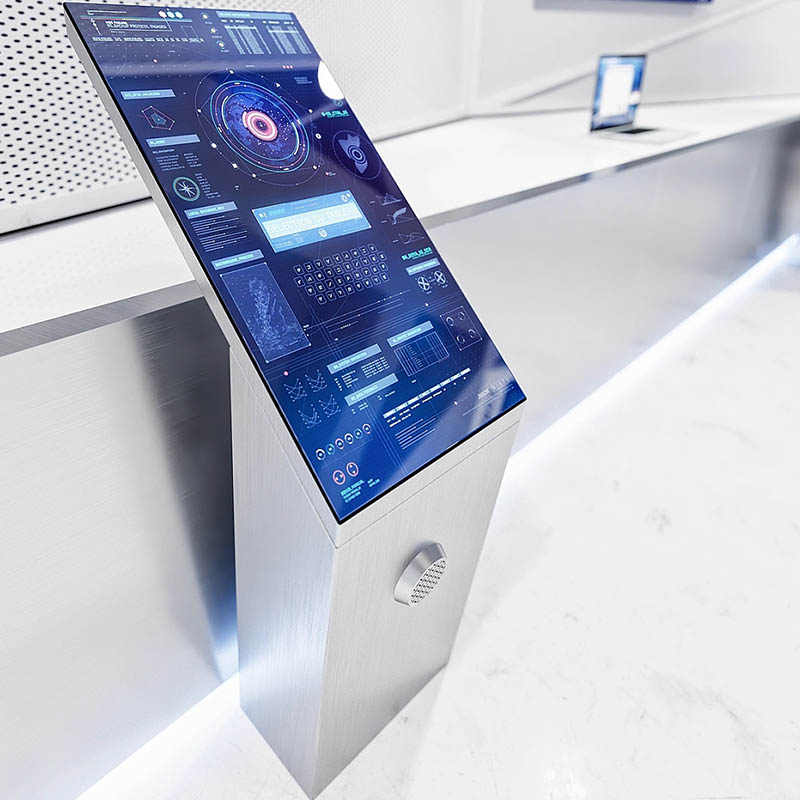
Every installation needs stable touch tracking, automatic startup, power recovery, sensible session reset and a serviceable enclosure. Horizontal screens reflect overhead lighting, so brightness, contrast, content color and glass treatment should be tested in the intended environment. The table must also remain stable when several users lean toward the display.
The display, computer and power supply generate heat inside the enclosure. Airflow must remain effective after installation near walls or furniture. Service panels should provide access to the computer, touch controller, power modules and fans without dismantling the entire table. Replaceable parts and labeled cables reduce downtime.
Select Features Through the Primary Business Goal
Touch coffee table applications should be approved through real tasks rather than a long feature list. A restaurant should test ordering and cleaning, a museum should test discovery and accessibility, and an office should test collaboration and data removal. Continuous operation, network interruption and recovery also belong in final acceptance.
ZXTLCD can configure touch coffee table applications around restaurants, entertainment venues, showrooms, museums, offices and hotels. Coordinating software, enclosure design and maintenance early creates a more dependable customer experience. If you would like to get the specification about above product, contact our sales team now.