

An AR object recognition touch table combines physical objects, multi-touch control and augmented digital content on one shared surface. When a visitor places a marked model or token on the glass, the system identifies it and opens related images, video, specifications or a three-dimensional scene. Moving or rotating the object can change the digital result, making the relationship between real items and information easier to understand in exhibitions, showrooms and education spaces.
Connect Physical Objects with Augmented Content
Object recognition provides a natural starting point. Instead of searching through menus, visitors select a physical item that represents their interest. A product model may open available configurations, while a museum replica may reveal historical layers or a reconstructed environment. Digital content should appear close to the object and respond immediately so users understand what caused the change.
The AR object recognition touch table can use passive optical tokens, capacitive markers, RFID or another sensing method. The best choice depends on object size, glass construction, lighting and software requirements. Final objects should be tested early because their weight, base shape and movement may differ from demonstration tokens. Recognition must remain stable during repeated public use.
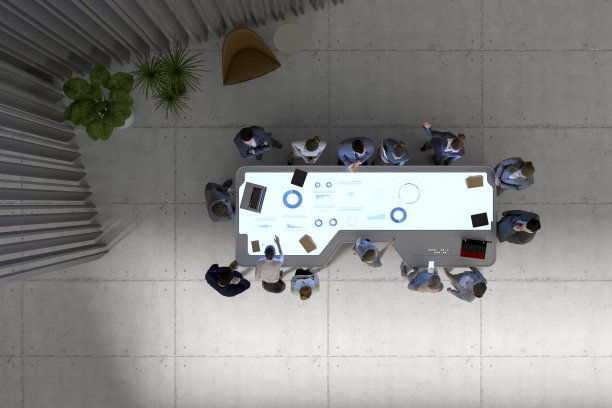
Use Rotation and Movement as Meaningful Controls
Rotating a token can change color, time, viewing direction or another defined setting. Moving it may reposition a scene or connect it with a second object. Every action needs visible feedback and predictable limits. If a visitor moves an object outside the active zone, the application should explain what happened rather than simply removing the information.
Tokens should be easy to hold, stable on the glass and durable under frequent handling. Passive designs avoid battery charging, although staff still need storage, cleaning and replacement procedures. Tethers can reduce loss in unattended venues but must not restrict intended movement. The physical design is part of the interface and should communicate the object’s purpose clearly.
Combine Recognition with Multi-Touch Exploration
After recognition opens content, visitors may enlarge an image, rotate a model, play video or move a card into a comparison area. Controls should remain outside the object’s footprint and readable from the expected viewing side. Several users may interact simultaneously, so software needs clear ownership rules and a sensible way to manage crowded screen space.
An AR object recognition touch table must track objects and fingers without unstable handoffs. Testing should include crossed hands, resting palms, rapid placement and the maximum number of active objects. After inactivity, the application should clear previous selections and return to a simple home screen, preparing the table for the next visitor group.
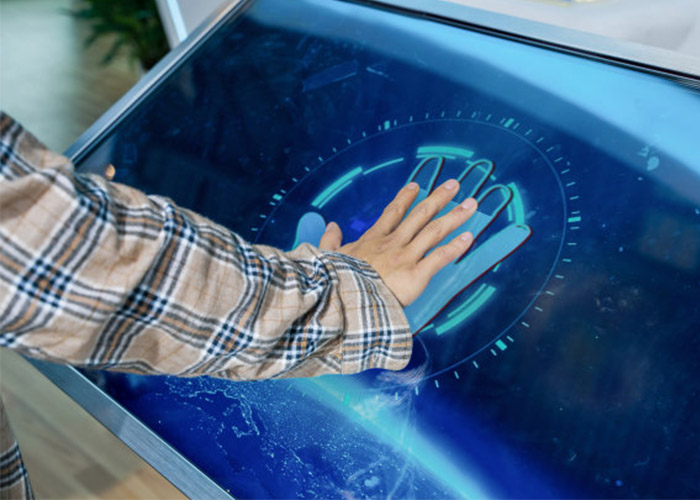
Create AR Content That Supports Real Decisions
Augmented effects should clarify information rather than distract from it. A showroom can place a product model over a virtual installation scene, compare finishes or reveal internal components. A museum can reconstruct missing parts around a replica. Education centers can connect material samples with animated processes. Short labels and obvious navigation keep the experience accessible to first-time users.
The content workflow should define how objects are assigned, reviewed and updated. Removing or renaming a file must not break a token. Authorized staff need version control and a backup of the approved configuration. If online information is used, cached content and an offline state prevent network problems from showing technical errors to visitors.
Match Computing and Graphics to the Application
Three-dimensional scenes, multiple video windows and high-resolution media require suitable processing, memory and graphics capability. Windows may support customized recognition software and peripherals, while other platforms can suit focused applications. Hardware should be measured with the final program and maximum object load. Smooth response matters more than an untested specification.
The AR object recognition touch table should start automatically, recover after power interruption and prevent public access to system menus. The display, recognition controller and application must initialize in the correct order. A controlled restart procedure helps staff recover from a software issue without changing the configuration or exposing administrative settings.
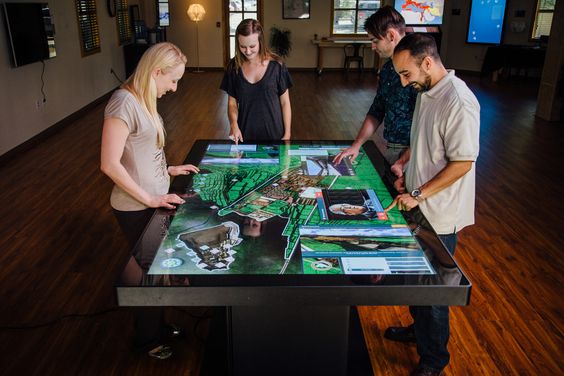
Plan Glass, Lighting and Service Access
Horizontal glass can reflect ceiling lights, so brightness, content colors and surface treatment should be tested in the final lighting plan. Protective glass must withstand cleaning while preserving touch and recognition accuracy. The active placement area should be visible through subtle prompts without making the design feel overly technical.
Cooling paths must remain effective after installation near walls or furniture. Service panels should reach the computer, touch controller, sensors and power modules without dismantling the table. Labeled cables, replaceable parts and clear daily checks reduce downtime. Staff should also track token inventory and record repeated recognition issues.
Validate the Complete Augmented Experience
Prototype testing should use final objects, enclosure, glass and representative AR content. Ask typical visitors to begin without explanation, compare items and reset the session. Observe recognition speed, reach, reflections, touch conflicts and whether the augmented content supports the intended learning or sales goal. Continuous operation reveals problems that short demonstrations may miss.
ZXTLCD can configure an AR object recognition touch table around the screen size, enclosure, operating system, sensing method and content workflow required by the venue. Coordinating objects, software and hardware early creates a clearer and more reliable interactive experience. If you would like to get the specification about above product, contact our sales team now.