
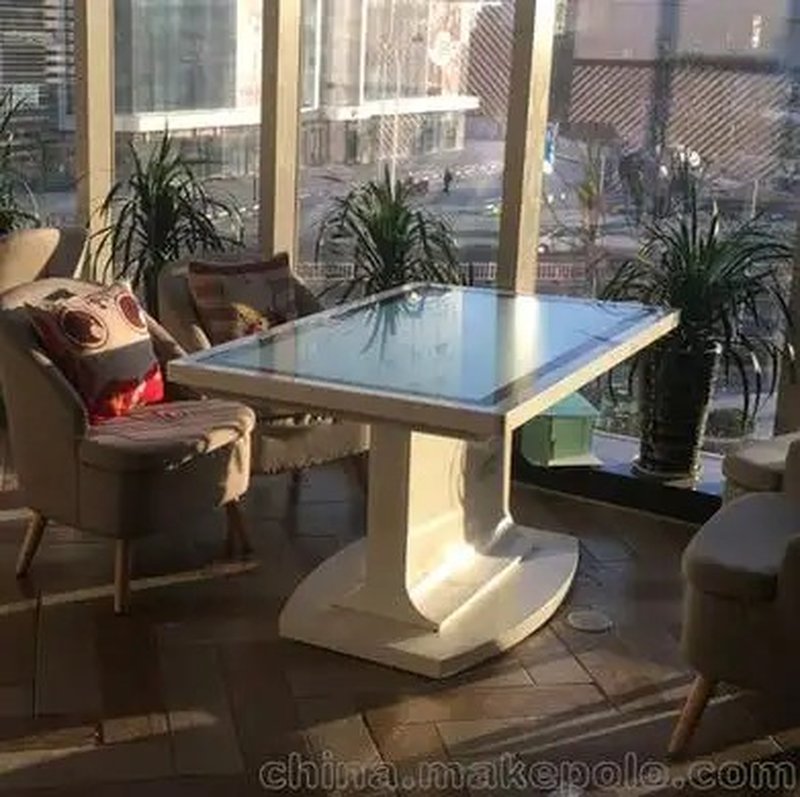
Deploying a commercial-grade Smart Gaming Touch Table Operation provides interactive venues with an advanced digital display platform. Smart gaming touch tables feature a moderate, highly accessible operational learning curve, making them well-suited for diverse user demographics across all age groups. Thanks to natural touch inputs, well-structured UI layouts, and straightforward user flows, users can master core operations within minutes and immediately immerse themselves in engaging interactive entertainment.
1. Is It Easy for Children to Operate Smart Gaming Touch Tables? with a Smart Gaming Touch Table Operation
For young children, smart gaming touch tables utilize minimalist, visually intuitive interface designs. Prominent iconography, vibrant interactive touch zones, and direct feedback substantially eliminate entry barriers for young learners.
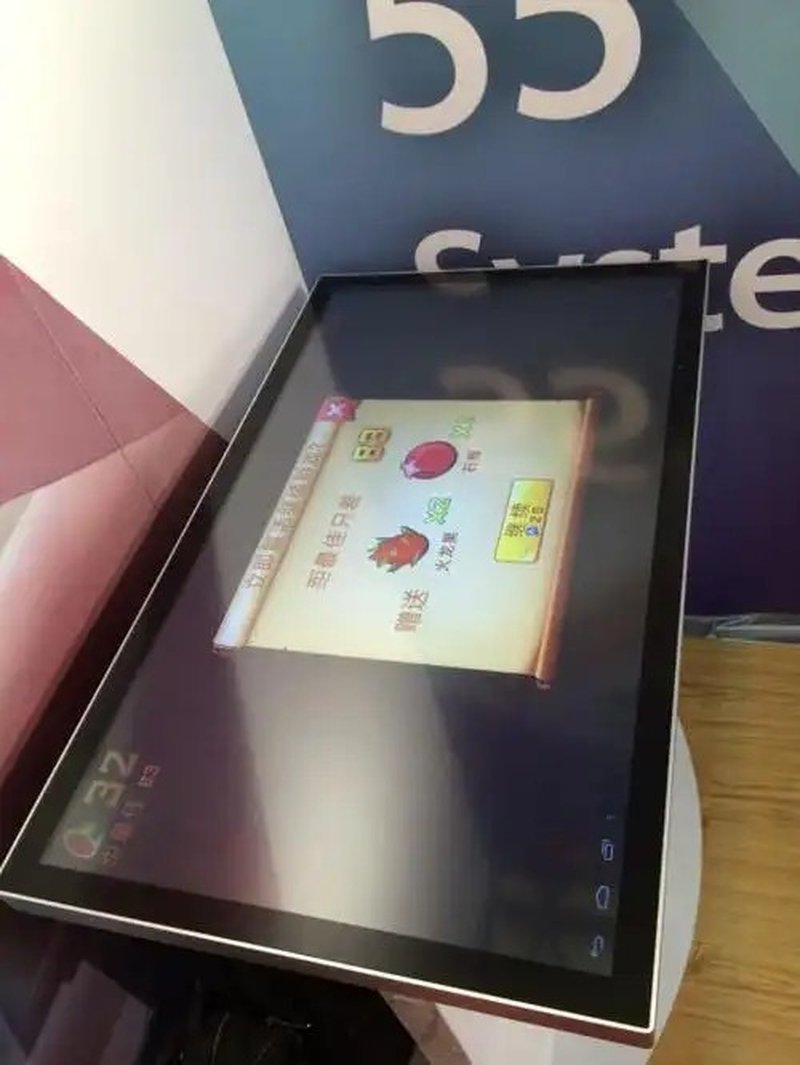
In typical children’s interactive games, kids need only tap colorful icons or highlighted surface regions to trigger gameplay. When paired with age-appropriate visual animations and audible prompts (where equipped), children are naturally guided through game mechanics and interaction patterns without adult intervention.
This frictionless interaction not only enhances entertainment value but also fosters observation skills, spatial hand-eye coordination, and logical problem-solving in a playful setting.
2. How Convenient Is It for Adults to Use Smart Gaming Touch Tables?
For adult users, smart gaming touch tables offer effortless operation and near-zero learning friction. Common multi-touch gestures—such as single taps, drag-and-drop, swipes, and multi-finger pinches—make game selection, page navigation, and basic configuration adjustments straightforward.
On models equipped with advanced multi-touch and gesture recognition capabilities, interaction pathways become even more fluid and versatile. The exact gesture support and responsive precision correspond to the table’s underlying touch sensor matrix, firmware integration, and software development framework.
Across standard interactive games and casual entertainment apps, adults rarely require formal instruction; clean on-screen prompts are sufficient to achieve mastery within seconds.
3. How Much Time Does First-Time Onboarding Require?
The initial onboarding timeframe on a smart gaming touch table is primarily dictated by game mechanics, interface information hierarchy, and user familiarity with digital touch devices.
For casual titles featuring minimal rules and linear workflows, players typically dive in within thirty seconds following basic visual cues. Conversely, for complex applications involving multi-stage objectives, branching choices, or specialized tangible tokens, players may spend a couple of minutes exploring instructions.
To facilitate effortless onboarding across wide age demographics, software developers and venue operators should prioritize concise instructional overlays, shallow menu depths, universally recognizable iconography, and minimal unnecessary operational steps.
4. How Does ZXTLCD Enhance the Touch Table User Experience?
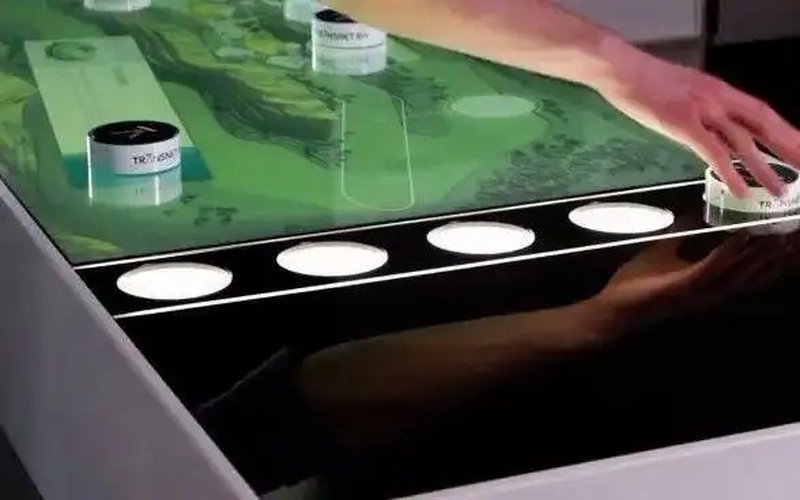
ZXTLCD smart gaming touch tables feature tailored hardware and software integration engineered to excel across children’s activity zones, STEM education centers, commercial retail malls, and civic engagement spaces.
During solution architecture, ZXTLCD focuses on several crucial experiential pillars:
– Natural Touch Interaction: Implementing uncluttered layout architectures so users instantly locate game launchers and primary controls.
– Age-Tailored Interfaces: Scaling icon dimensions, text typography, touch targets, and interaction tempos to match specific target demographics.
– Intuitive Visual Guidance: Incorporating on-screen text banners, interactive tutorial animations, and assistive audio cues based on deployment needs.
– Curated Interactive Content: Assembling bespoke software suites featuring educational puzzles, trivia challenges, collaborative party games, and immersive multimedia apps.
– Seamless Content Maintenance: Supporting modular software architectures that allow operators to update games, rebrand interfaces, and refresh digital assets effortlessly.
Available interaction modalities and software configurations are customized to match client specifications and hardware models.
5. Summary
Operating a smart gaming touch table is remarkably simple and accessible. Its central strength lies in transforming digital interaction into natural, tangible physical gestures. Children can jump into educational play through simple taps, while adults easily navigate entertainment catalogs and settings.
When specifying or deploying a smart gaming touch table, key considerations should include target audience demographics, game complexity, and physical operational environments in addition to touch sensitivity. Thoughtful interface ergonomics and intuitive instructional cues empower users to grasp controls rapidly, ensuring an enjoyable, frictionless digital experience.
ZXTLCD provides tailored smart touch table solutions to satisfy diverse operational needs across interactive entertainment, public leisure, and commercial digital display environments. In conclusion, adopting a professional Smart Gaming Touch Table Operation enhances presentation capabilities, engages multi-user audiences, and drives digital transformation.
Looking for customized Smart Gaming Touch Table Operation hardware, multi-touch interactive tables, or OEM/ODM commercial display solutions? Feel free to contact the ZXTLCD engineering team for free consultations, product demos, and tailored technical specifications.