
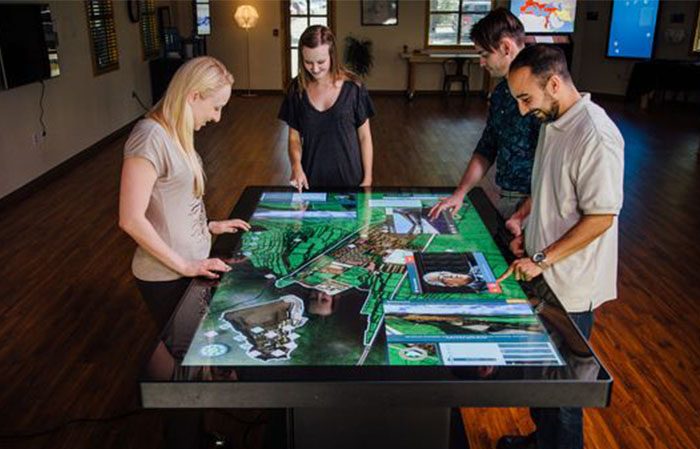
A multimedia multi touch table creates a shared surface where visitors can explore images, video, maps, catalogs and interactive applications together. The horizontal format encourages conversation because people can approach from several sides instead of waiting behind a single kiosk. For commercial venues, museums, learning spaces and meeting areas, the value comes from combining responsive hardware with content that is organized for several users and an enclosure that can operate reliably throughout the day.
Turn a Tabletop into a Shared Multimedia Workspace
A large display can present product collections, building plans, educational activities or destination information in a way that invites direct exploration. Visitors tap, drag, rotate and enlarge items without a mouse or keyboard. A well-planned home screen gives each user an obvious starting point, while a central area can hold selected content for group discussion. The interface should keep essential controls readable from the directions in which people will actually stand or sit.
The multimedia multi touch table must manage simultaneous input predictably. Personal browsing zones can prevent one visitor from interrupting another, and clear feedback shows which object or window is active. When screen space becomes crowded, the application should limit new items or guide users to close old ones. After inactivity, an automatic reset clears the session and prepares the table for the next group.
Select Touch Performance for Real User Behavior
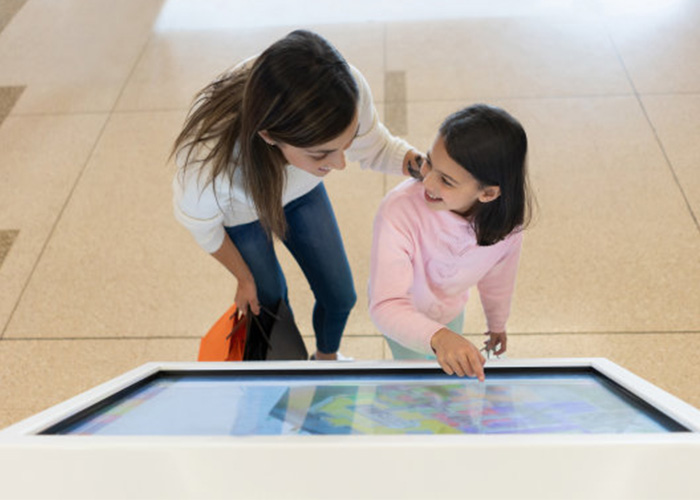
Touch-point count is only one part of performance. Tracking must remain stable when hands cross, users rest a palm near the edge or several gestures happen quickly. The complete application should be tested with representative users, not only with a technical demonstration. Large targets, immediate visual feedback and sensible gesture limits make interaction easier for first-time visitors and reduce accidental input.
Protective glass, decorative printing and enclosure construction can influence sensitivity. Testing must use the final surface thickness and edge treatment. The multimedia multi touch table should respond consistently across the active area while tolerating the venue’s approved cleaning routine. Rounded edges, stable support and well-managed cables are especially important in unsupervised public locations.
Match Screen and Content to Ambient Lighting
Horizontal displays can reflect ceiling lights and nearby windows. Brightness, contrast, content colors and glass treatment should be reviewed together in conditions close to the installation site. Anti-glare treatment may improve readability, although it can change perceived sharpness. A full-size sample helps the team check small labels, dark imagery and viewing angles before approving the final materials.
Content should prioritize clarity over visual effects. Short headings, readable type and carefully compressed video keep navigation fast. Important actions should not sit in areas that hands naturally cover. Captions support silent environments, while optional audio needs volume control so it does not disturb nearby exhibits, customers or meetings.
Choose Computing Hardware Around the Application
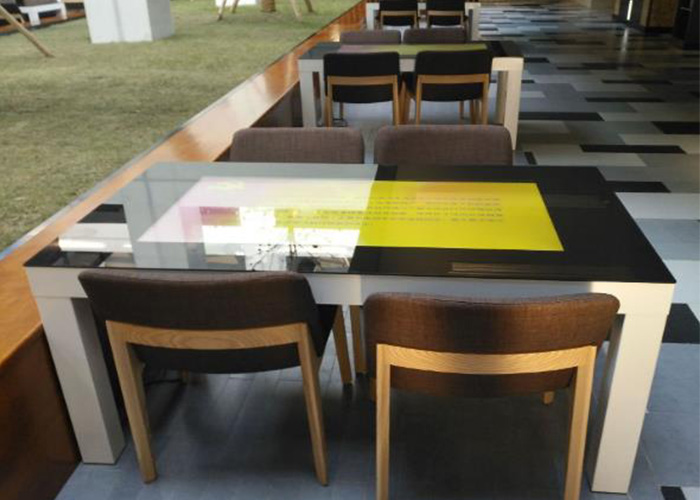
Android can suit focused catalogs, wayfinding and media browsing, while Windows may be preferred for customized software, multiple peripherals or advanced graphics. Processor, memory, storage and graphics capability should be measured with the final application. Smooth transitions and reliable video playback matter more than an impressive specification that has not been validated under real multi-user load.
A multimedia multi touch table should start automatically, recover cleanly after a power interruption and prevent public access to system menus. Content managers need a controlled way to publish approved updates, and service staff need diagnostic access. If the application depends on network data, cached content and clear offline behavior keep the experience useful when connectivity is interrupted.
Adapt the Experience to Different Venues
Retailers can present product ranges, finishes and installation examples without covering the showroom with printed catalogs. Museums can organize collections by time, location or theme. Schools can provide collaborative activities, and real-estate teams can guide clients through plans and amenities. Each venue needs a different information hierarchy, session length and balance between self-service exploration and staff-guided presentation.
The multimedia multi touch table should support the venue’s primary task rather than include every available feature. Cameras, NFC, object recognition, wireless charging and speakers can add value when they serve a defined journey, but each module affects power, cooling, software and maintenance. A focused configuration is easier for visitors to understand and easier for staff to operate.
Plan Cooling and Service Access
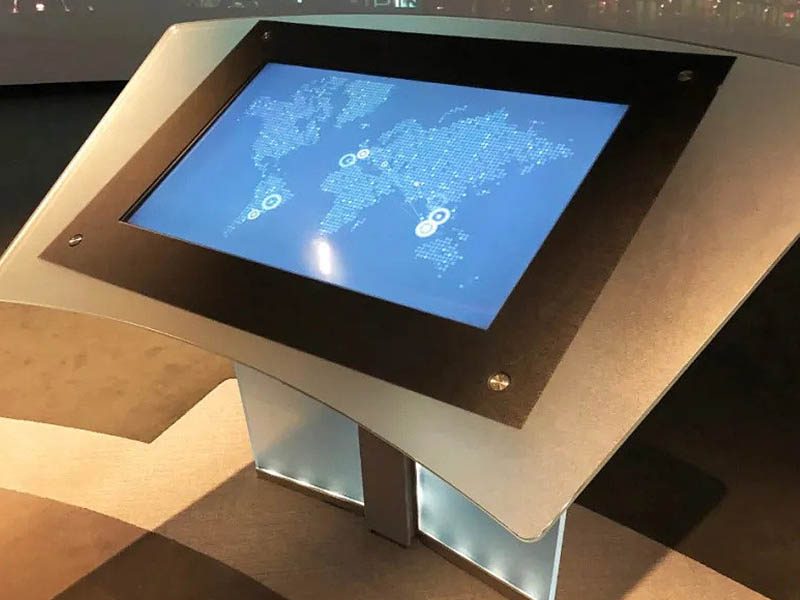
Displays, computers and power supplies generate heat inside a horizontal enclosure. Intake and exhaust paths must remain effective after installation near walls or furniture. Quiet fans can be important in galleries, hotels and offices. Service panels should provide access to the computer, touch controller, power modules and cooling components without dismantling the entire table.
Daily procedures can cover glass cleaning, startup checks and application restart. Replaceable components and labeled internal cables reduce downtime. Remote support can assist with software diagnosis, while local access remains necessary for physical maintenance. The team should document the approved configuration so the system can be restored after service.
Validate the Complete Multi-User Experience
Before final production, invite representative users to complete real tasks from different sides of the table. Observe reach, reflections, response time, gesture conflicts and whether the content encourages collaboration. Continuous operation and repeated session-reset testing reveal issues that a short demonstration may miss. Acceptance criteria should focus on task completion and stability as well as visual appearance.
ZXTLCD can configure a multimedia multi touch table around the required screen size, enclosure, operating system, content workflow and optional modules. Coordinating hardware, software and service needs early creates a dependable shared platform for information and conversation. If you would like to get the specification about above product, contact our sales team now.