
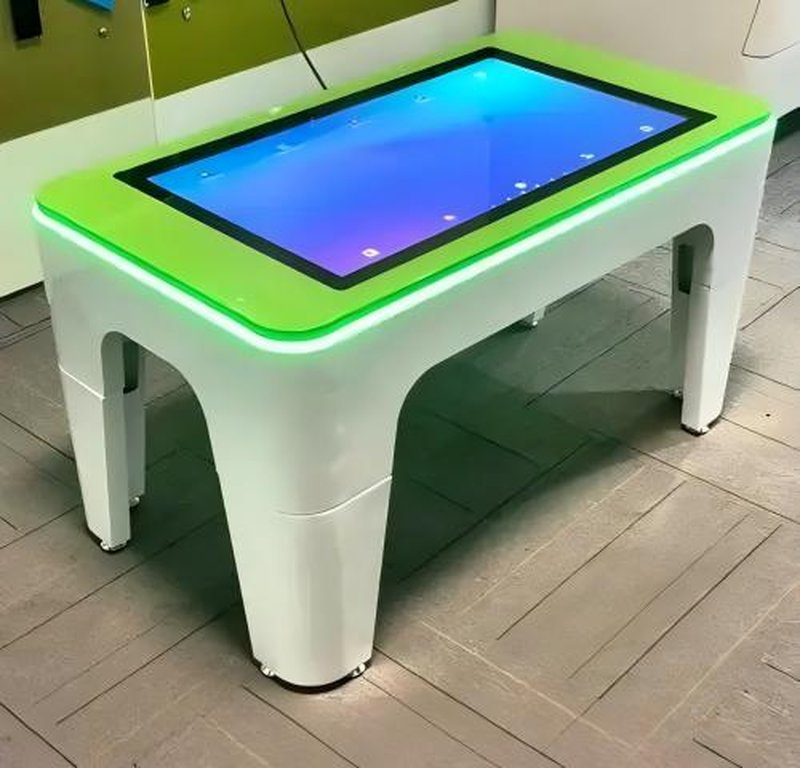
Deploying a commercial-grade Smart Table Routine Maintenance provides interactive venues with an advanced digital display platform. With the rapid development of smart home and interactive display technologies, smart tables are increasingly deployed in residential settings, office spaces, commercial showrooms, and leisure venues. In everyday use, beyond keeping the tabletop clean and tidy, users must also pay careful attention to maintaining the touchscreen, electronic components, power connections, and mechanical structure.
While smart table maintenance shares similarities with traditional furniture care, the integration of display panels, touch systems, and electronic modules demands compliance with specific digital equipment operating guidelines.
1. Maintain an Optimal Operating Environment with a Smart Table Routine Maintenance
Smart tables should be positioned in a dry, well-ventilated space with a moderate, stable temperature, avoiding prolonged exposure to direct sunlight, high humidity, and proximity to heat sources.
For products featuring wood or other materials sensitive to temperature and moisture fluctuations, extreme shifts in ambient humidity should be avoided to minimize risks of warping, cracking, or surface finish degradation.
Simultaneously, ensure adequate clearance around ventilation openings to prevent dust and debris from obstructing heat dissipation. If the table is operated for extended durations, follow the user manual guidelines and avoid continuous operation under adverse ambient conditions.
2. Inspect and Address Loose Mechanical Components Promptly
Over extended operational periods, table legs, fasteners, structural brackets, or mechanical joints may become loose due to frequent interaction or movement.
Upon detecting loose components, discontinue use immediately and identify the exact source. For parts that the manufacturer permits users to tighten, utilize appropriate tools in accordance with instructions. However, if the issue involves internal frameworks, display screen mountings, or sensitive electronic assemblies, contact qualified technical service personnel.
Never arbitrarily apply heavy-duty superglues or unverified bonding adhesives to secure loose components, as this may corrode surfaces, hinder subsequent servicing, or compromise structural integrity.
3. Safely Retain Detached or Damaged Parts
If decorative trims, trim bezels, connectors, or detachable hardware detach from the smart table, store them securely and document their original mounting positions.
Never operate the table if detached components affect stability, user safety, or core functionality. Avoid makeshift substitute hardware or unauthorized structural modifications.
If detached parts involve electrical ports, internal wiring harnesses, or electronic modules, immediately power down the unit and contact authorized support.
4. Avoid Makeshift or Forced Structural Repairs
When significant wobbling, structural instability, or connector failure occurs, suspend table operation and assess whether refastening or component replacement is required.
Using adhesive tape, common craft glues, or temporary lashings in lieu of standard mechanical repairs is strongly discouraged. For heavier commercial smart tables or units installed in public spaces, inspections should be conducted by experienced personnel to mitigate tipping, pinching, or structural collapse risks.
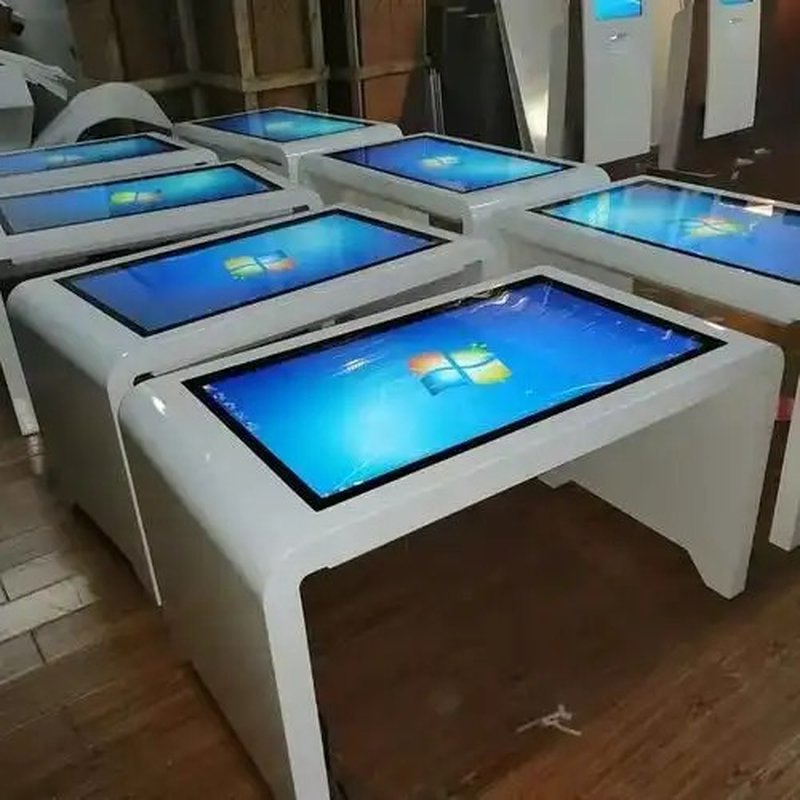
5. Properly Clean Tabletop Surfaces and Electronic Components
Cleaning methods must be tailored to the specific tabletop materials and touchscreen specifications:
– Touchscreen: Gently wipe with a soft, lint-free microfiber cloth. Avoid sharp objects, abrasive materials, or excessive pressure against the display surface.
– Table Body & Frame: Utilize appropriate cleaning techniques based on the specific substrate—whether solid wood, metal, tempered glass, or engineered composites.
– Power Ports & Interfaces: Power off the unit according to product guidelines prior to cleaning. Never allow moisture or liquid cleaners to enter ports, vents, or chassis seams.
– Stubborn Stains: Apply manufacturer-recommended specialized cleaners. Never use concentrated alcohol, aggressive solvents, or abrasive chemical cleaners that could degrade protective coatings.
When cleaning, never spray liquids directly onto the screen or chassis. Standard towels that are rough, shedding, or contaminated with abrasive dust particles can cause scratches or leave unsightly residue; always opt for dedicated optical or screen-grade cleaning cloths.
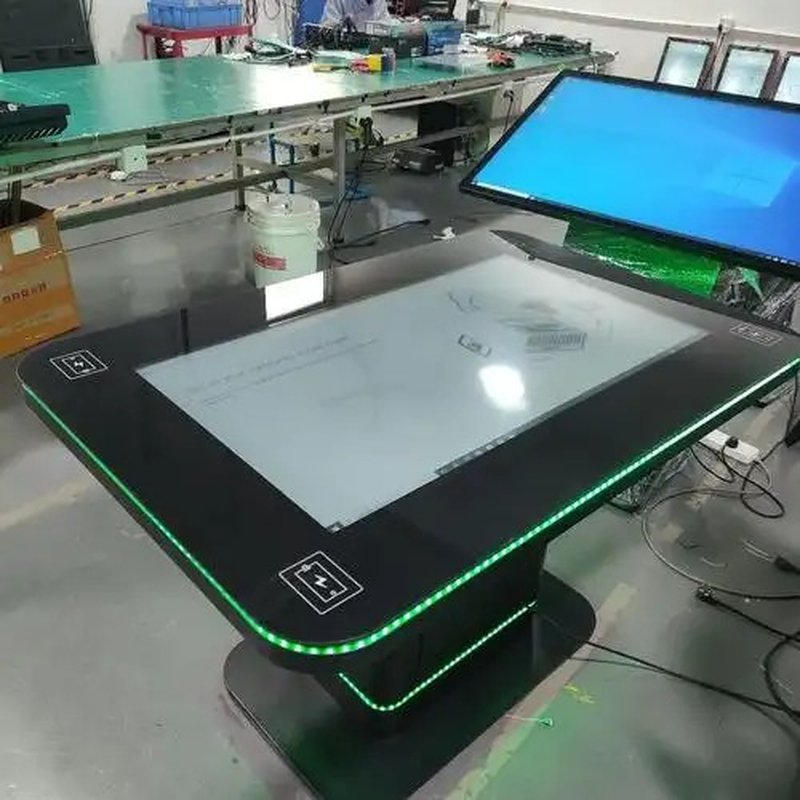
6. Routinely Inspect Power Systems and Operating Status
Because smart tables integrate sophisticated electronic equipment, routine inspections of power cords, plugs, external interfaces, and operating health are essential.
Daily and periodic checks should include:
– Inspecting power cables and wall plugs for physical wear, fraying, crimping, or loose connections.
– Verifying the responsive operation of the display screen, touch tracking, and primary software applications.
– Confirming that cooling vents and fans remain free of dust accumulation or obstructions.
– Monitoring for abnormal heat buildup, unusual noises, unexpected system reboots, or intermittent touch latency.
– Executing recommended software patches, firmware updates, and system maintenance per manufacturer specifications.
If noticeable operational anomalies occur, disconnect the power supply and schedule a professional inspection. Never attempt unauthorized disassembly of live electrical components.
7. ZXTLCD Smart Table Daily Maintenance Recommendations
ZXTLCD smart tables can be customized with various structural materials, interactive touch systems, and industrial-grade electronic components depending on client applications. As maintenance protocols, cooling requirements, structural care, and software updating routines may vary across configurations, always prioritize the official product manual.
We recommend establishing a standard daily care routine: inspect physical appearance and functional state prior to use; wipe down surfaces and tidy surrounding areas after use; and periodically inspect power connections, structural rigidity, and touch sensitivity. For complex technical issues, reach out promptly to qualified service professionals.
Summary
Smart table maintenance goes far beyond superficial surface cleaning; it encompasses maintaining an optimal operating environment, inspecting mechanical structures, protecting sensitive electronics, and swiftly addressing anomalies. Adhering to a standardized maintenance routine ensures consistent operating performance and significantly extends equipment lifespan. In conclusion, adopting a professional Smart Table Routine Maintenance enhances presentation capabilities, engages multi-user audiences, and drives digital transformation.
Looking for customized Smart Table Routine Maintenance hardware, multi-touch interactive tables, or OEM/ODM commercial display solutions? Feel free to contact the ZXTLCD engineering team for free consultations, product demos, and tailored technical specifications.