
How to Choose a Touch Coffee Table: Key Parameters to Understand

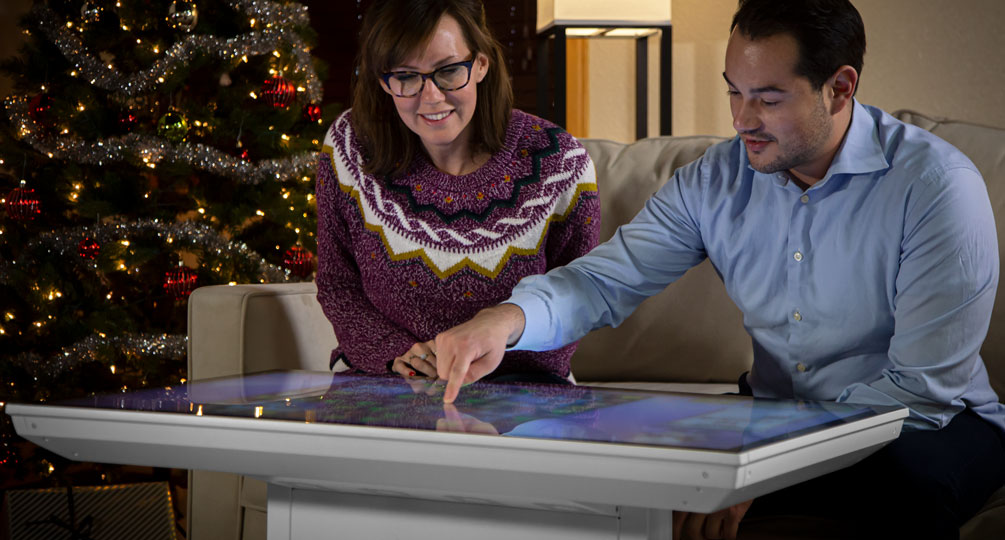
How to Choose a Touch Coffee Table — Understanding These Parameters Is Important
A touch coffee table is an electronic device that combines a traditional coffee table with smart interaction technology. Through a capacitive touch screen it supports multi-touch operation and serves many scenarios — gaming and entertainment, information display, business meetings, and more. Its core value is going beyond the single use of a traditional coffee table: by integrating a display and an interaction module, it gives users a far more intuitive operating experience.
Technical Principle and Core Composition
The heart of the touch coffee table is its capacitive touch screen, which works on human-body current sensing. When a finger touches the screen, it changes the local electric field, and the sensor pinpoints the touch by detecting the change in current. Underneath the touch layer sits the LCD panel that outputs the image, typically at 1920×1080 resolution for a crisp picture. The device runs the Windows 7 operating system and offers HDMI, USB, and other ports for connecting external equipment. On the hardware side, a light transmittance above 80% keeps the display clear and see-through, 350 cd/㎡ brightness and a 3000:1 contrast ratio adapt to different ambient lighting, a 5 ms response time keeps touch lag low, and a 6 mg touch activation force makes operation more sensitive.
How It Is Used and Where It Fits
The touch coffee table is operated much like any ordinary touch device: users swipe, tap, pinch, and make other gestures to interact. It supports multi-touch with up to 10 simultaneous touch points, meeting the needs of multi-person collaboration. Typical scenarios include home entertainment (board and card games, children’s education), commercial display (product introductions, interactive advertising), and business meetings (proposal presentations, side-by-side data comparison). In use, keep sharp objects from scratching the screen, wipe off surface dust regularly to preserve light transmittance, and keep the power connection stable to prevent data loss.
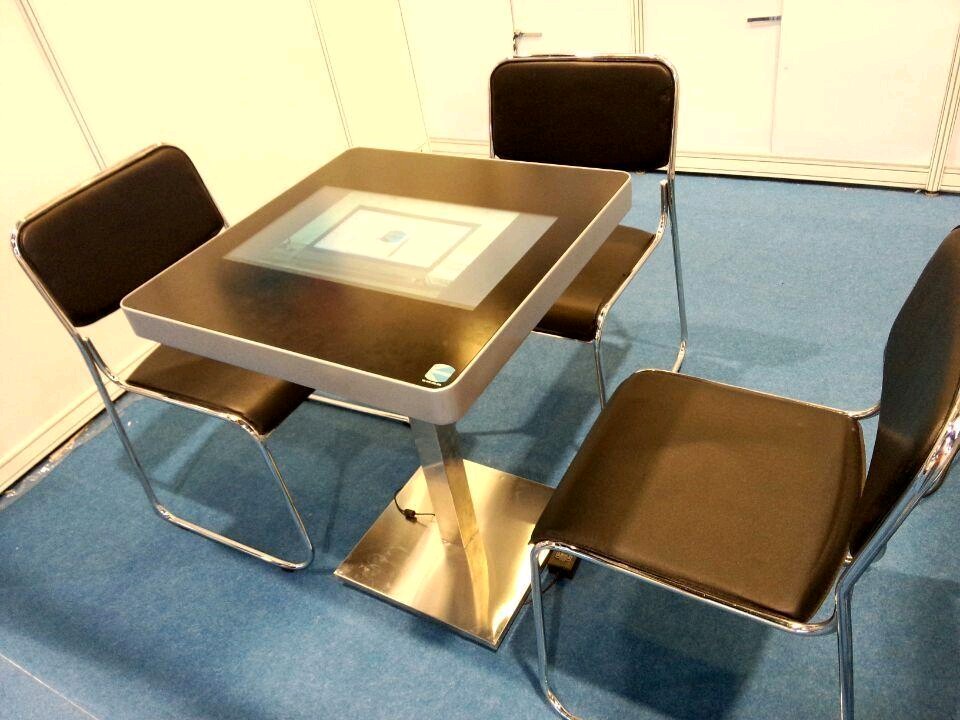
Technical Highlights and Real-World Performance
Compared with a traditional coffee table, the touch coffee table excels in interactivity and functionality. The capacitive screen’s precise touch input cuts down mis-taps; the 16:9 screen ratio matches human viewing habits better and shows content more completely. Among the hardware parameters, the high transmittance and contrast make colors more vivid, and the low response time keeps games and dynamic content running smoothly. The device comes with Windows 7 pre-installed and is compatible with most office and entertainment applications, and users can install third-party programs to extend its functions. Note, too, that the factory-direct supply model removes middlemen from the chain, but on arrival the packing list (certificate of conformity, user manual, warranty card) should be checked for completeness.
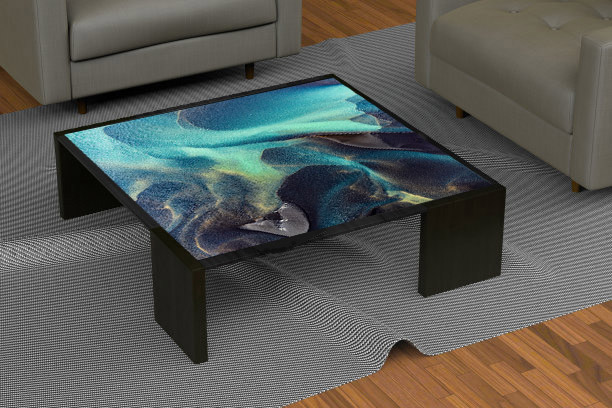
Explore Related Interactive Table Solutions
For related configurations and product formats, explore our interactive table solutions.